
Optimize Your AI Training
A Comprehensive Guide to GPU-Model Benchmarking
6th Jun
3 mins
GUIDE
tl;dr: Choosing the right hardware - especially GPU configuration - is a critical yet cumbersome step in training your own model. This guide serves as a cheatsheet - outlining the optimal GPU instances for any training job - across various model sizes, precision levels, and batch sizes gleaned from hundreds of models trained at Emissary, ensuring you make optimal decisions to maximize your limited institutional and technical resources.
In essence, this is a comprehensive guide on - "What GPU you need to train X model".
Why optimizing your GPU resources matters:
- Efficiency: Ensuring your models are trained using sufficiently large GPU instances can reduce training times by up to 50%. This also eliminates wasted time and failed runs due to out-of-memory (OOM) errors, further enhancing time savings.
- Cost-effectiveness: Avoiding over-provisioning or under-utilization of GPU resources, and using the right instance type can save up to 70% on computational costs.
- Scalability: A well-optimized setup can enhance scalability by 3x, facilitating smoother model scaling and deployment that can handle increasing data loads and model complexities.
Understanding GPU Instances
Here’s a quick overview of some of the key AWS GPU instances mentioned in our Benchmarking study.
- G5 Instances: Powered by NVIDIA A10G Tensor Core GPUs, these instances are well-suited for machine learning inference and small to medium-sized training jobs. They offer flexibility with different memory and GPU configurations.
- P4 Instances: Designed for high-performance machine learning training and inference, these instances are powered by NVIDIA A100 Tensor Core GPUs, providing significant computational power and memory, ideal for large-scale AI workloads.
- G4dn Instances: Using NVIDIA T4 GPUs, these instances are optimized for graphics-intensive applications and machine learning inference, offering a balance of performance and cost.
- P3 Instances: Featuring NVIDIA V100 GPUs, these instances are tailored for machine learning training applications, providing excellent performance for deep learning models with high computational requirements.
Before we go on, it's important to highlight that all information provided in our study is for Model Training only.
GPU Benchmarking Framework
We've conducted extensive benchmarking across three key vectors:
- Model Size
- Precision
- Batch Size
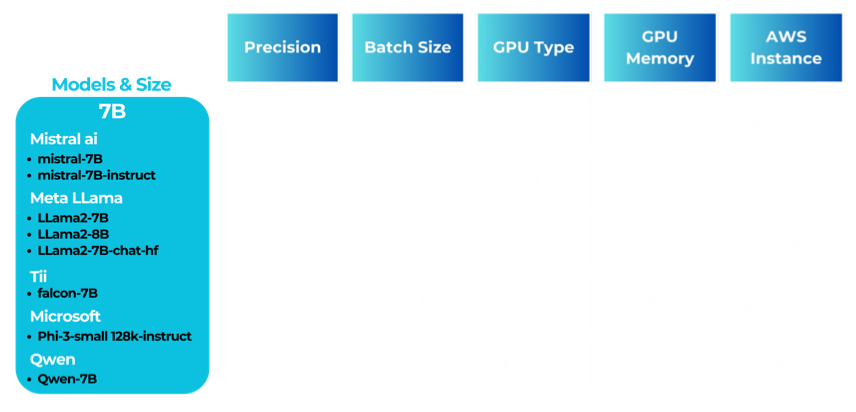
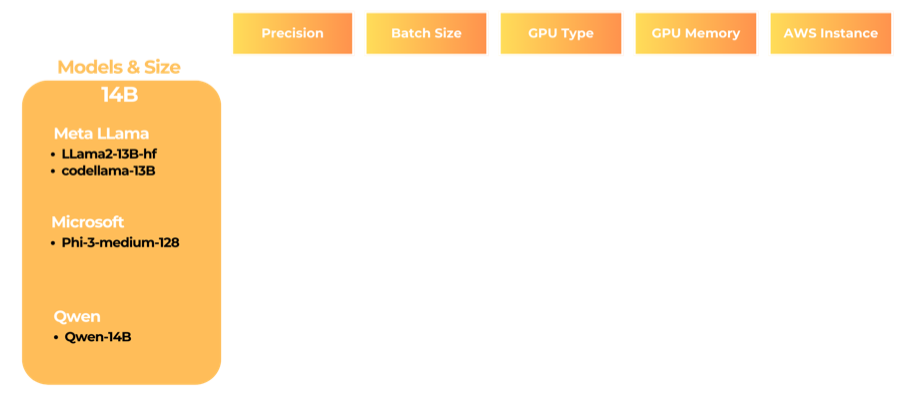
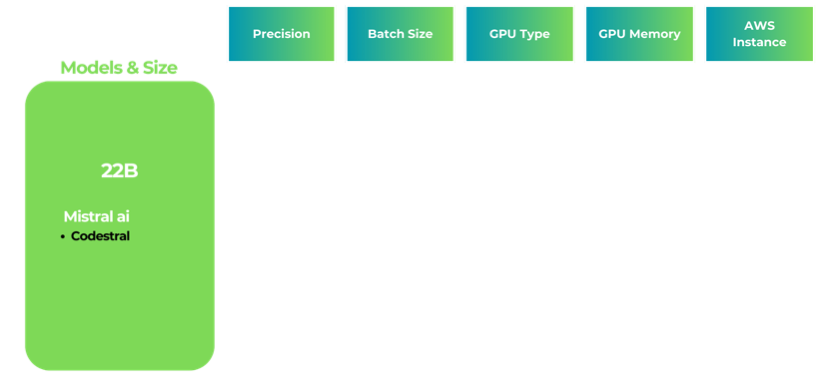
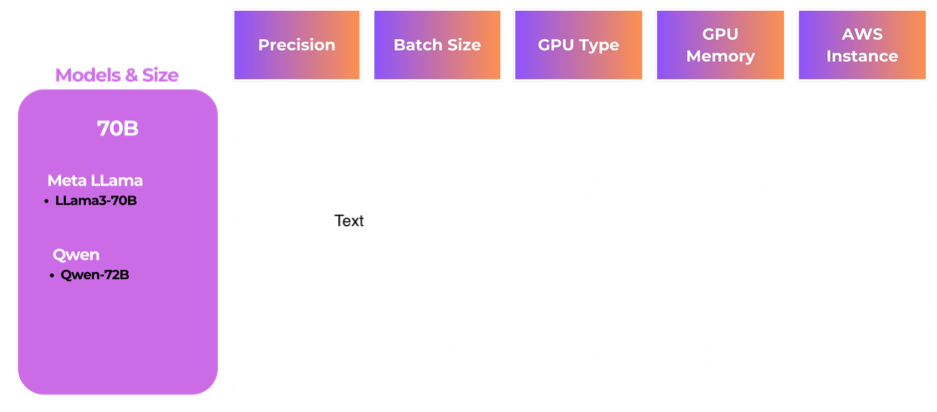
The tables below detail the optimal GPU configurations for different model sizes, highlighting the GPU type, GPU memory, and preferred AWS Instance that provide the best performance for each combination of precision and batch size.
Key considerations and assumptions:
- The analysis for 4 Bit and 8 Bit is based on PEFT.
- The configuration of Preferred AWS Instances is sometimes larger than actual model requirements. Specifically, AWS does not currently have an instance with 2xA10s, so we defer to the 4 x A10 instance.
- 1 A10 --> 24 GB GPU Memory
- A100s come with two memory configs - 40 GB and 80 GB. The tables below clearly indicate this variation.
- g5.xlarge instance has 1 A10.
- g5.12xlarge instance has 4 A10s.
1. Model Size: 7B
How to interpret - Explanation & Highlights
For a 7B model size, lower precisions (4 Bit) can efficiently utilize an A10 GPU on a g5.xlarge instance, with up to a maximum batch size of 4. As the batch size increases, or if higher precision (8 Bit, 16 Bit) is needed, using multiple A10 GPUs on a g5.12xlarge instance becomes necessary to handle the increased computational load.
2. Model Size: 14B
Highlights
As complexity increases (higher batch sizes, precisions), more powerful GPUs like the A100 or V100/T4 are recommended on larger instances like p4d.24xlarge or g4dn.metal.
3. Model Size: 22B
Highlights
For 22B models, while lower precisions can still utilize A10 GPUs, higher precisions and batch sizes demand the use of multiple A100 GPUs on high-performance instances like p4d.24xlarge.
4. Model Size: 70B
Highlights
For the largest models, such as 70B, even lower precisions require significant GPU resources. Utilizing multiple A100 GPUs becomes essential to manage the memory and computational demands effectively.
Don't want to go through the hassles of picking the right GPU each time?
Let Emissary handle it all for you!
Our AI/ML Infrastructure Platform
We've optimized GPU usage, so you don't have to. Our platform automates configurations for your specific needs, ensuring you use the most cost-effective and efficient resources. Here’s how we help:
- Automated Config Optimization: Optimal GPU instances selection for your training tasks.
- Automated Scaling and Retrying: Easily scale your resources based on your model's complexity and training requirements. Emissary will also automatically retry jobs when they fail due to OOM errors, saving engineering time.
- Automated GPU Shut-off: Avoid latent instance costs - Emissary automatically spins down instances after training jobs are completed.
Tips for Effective GPU Benchmarking
- Monitor Performance: Regularly monitor the performance of your training jobs to ensure that the selected GPU instances are being utilized efficiently. AWS CloudWatch and NVIDIA’s own profiling tools can be very useful here.
- Adjust Batch Sizes: Experiment with different batch sizes to find the optimal configuration that balances training speed and resource usage. Larger batch sizes can improve training throughput but require more memory.
- Use Spot Instances: AWS Spot Instances can offer significant cost savings for non-urgent training jobs, although they come with the risk of interruption. On average, using Spot Instances can reduce costs by 70-90%.
- Utilize Mixed Precision Training: Mixed precision training can improve training speed and reduce memory usage without compromising model accuracy. This approach uses lower precision (e.g., 4-bit) to steer the model while maintaining higher precision (e.g., 32-bit) for base parts of the model.
- Regular Updates and Testing: Ensure that your frameworks are up to date, as newer versions often include optimizations for GPU usage.
Conclusion
Our GPU benchmarking ensures that your AI teams can focus on model development, training, and deployment without getting bogged down by hardware optimization challenges. Whether you follow our detailed benchmarking data or let us handle the optimization for you, your AI projects will be efficient, scalable, and cost-effective, ensuring they remain within budget and on-schedule.
Remember, effective GPU benchmarking is not a one-time task but an ongoing process. New hardware options are made available constantly. As your models evolve with new business needs and data, continuous optimization will be key to maintaining peak performance.
© 2026 Emissary. All rights reserved.